
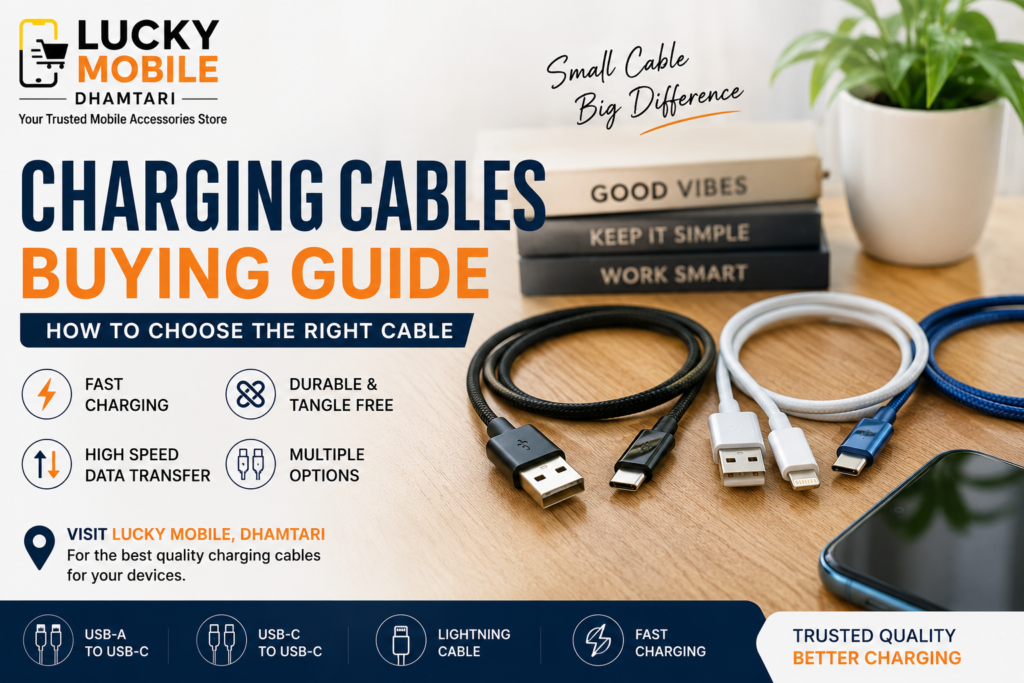
Best Charging Cables in Dhamtari: How to Choose the Right Cable
A charging cable may look like a simple mobile accessory, but it plays an important role in charging your smartphone and transferring data.
The right cable can help you get the charging performance your phone, charger and power bank are designed to provide. A poor-quality or incompatible cable, on the other hand, may result in slow charging, connection problems or unreliable data transfer.
If you are looking for charging cables in Dhamtari, this guide will help you understand the different types and what to check before choosing one.
At Lucky Mobile, Dhamtari, customers can explore charging cables for different smartphones and charging requirements.
Why Does Charging Cable Quality Matter?
Not all charging cables are made the same.
Two cables may look almost identical but have different capabilities when it comes to charging power, data transfer and durability.
A good-quality cable should offer:
- Reliable charging
- Good connector quality
- Suitable charging capability
- Stable data transfer when supported
- Durable construction
- Proper compatibility with your device
The cable should also match the requirements of your smartphone and charger.
Types of Charging Cables
1. USB-C to USB-C Cable
USB-C to USB-C cables are widely used with modern smartphones and chargers.
They are particularly useful with USB-C wall chargers and power banks that provide USB-C output.
Depending on the cable specification, USB-C cables can support different charging powers and data-transfer speeds.
Therefore, simply seeing a USB-C connector does not mean every USB-C cable has the same capabilities.
2. USB-A to USB-C Cable
USB-A to USB-C cables are useful when your charger or power source has a USB-A port and your smartphone uses USB-C.
They are still commonly used with older chargers, car chargers, computers and other accessories.
The charging speed depends on the charger, cable and smartphone compatibility.
3. Lightning Cable
Lightning cables are designed for compatible Apple devices that use the Lightning connector.
When choosing a Lightning cable, connector quality and compatibility are important.
A suitable cable should provide a reliable connection for charging and, where supported, data transfer.
4. USB-C to Lightning Cable
USB-C to Lightning cables connect compatible Lightning devices to USB-C chargers and other USB-C power sources.
They can be useful when upgrading to a modern USB-C charger while continuing to use a compatible Lightning device.
Fast-Charging Cables
Fast charging is not determined by the charger alone.
The smartphone, charger and cable need to work together.
SMARTPHONE
     +
CHARGER
     +
CABLE
     +
CHARGING STANDARD
     =
ACTUAL CHARGING PERFORMANCE
A cable that cannot support the required charging capability may limit the charging performance even when the phone and charger support faster charging.
When buying a fast-charging cable, check its supported specifications rather than relying only on the words “fast charging” printed on the packaging.
Does Cable Length Affect Charging?
Cable length can influence charging performance, particularly with certain higher-power charging setups.
Longer cables can introduce more resistance depending on their construction and specifications.
For everyday use, choose a length that is practical for your setup.
For example:
- Short cables can be convenient for power banks.
- Standard-length cables are useful beside a bed or desk.
- Longer cables can be useful when the power outlet is farther away.
The quality and specifications of the cable remain important regardless of its length.
Charging Cable for Power Banks
A suitable cable is especially important when using a power bank.
If your power bank supports fast charging, use a cable capable of supporting the relevant charging requirements.
For example, if your setup uses USB-C, check whether the cable supports the required power and charging standard.
This can help you get better performance from your power bank.
Data Transfer Cables
Some charging cables can also transfer data between compatible devices.
For example, you may use a cable to:
- Transfer photos
- Transfer videos
- Move documents
- Connect your phone to a computer
- Sync supported devices
However, not every cable supports the same data-transfer speed.
Some cables are designed mainly for charging, while others support both charging and data transfer.
If data transfer is important to you, check the cable specifications before buying.
Cable Durability Matters
Charging cables are frequently bent, unplugged and carried around.
Poor-quality cables may develop problems around the connector or cable joint after repeated use.
When choosing a cable, look for:
- Strong connectors
- Flexible but durable outer covering
- Good strain relief
- Secure connection
- Quality construction
Avoid repeatedly bending the cable sharply near the connector.
How to Choose the Right Charging Cable
Check Your Phone Connector
First identify the connector used by your smartphone.
It may be:
- USB-C
- Lightning
- Another compatible connector
Check Your Charger
Look at the port on your charger.
A USB-A charger and a USB-C charger may require different cable types.
Check Fast-Charging Support
If your phone supports fast charging, choose a cable that supports the required charging power and standard.
Check Data Transfer Requirements
If you regularly connect your phone to a computer, choose a cable that supports the data-transfer capabilities you need.
Choose the Right Length
Select a cable length that suits where and how you charge your phone.
Consider Build Quality
A durable cable can be more practical for everyday use than one chosen only for its appearance.
Common Charging Cable Mistakes
Avoid these common mistakes:
- Choosing a cable only because it fits the phone
- Assuming every USB-C cable is identical
- Ignoring fast-charging specifications
- Ignoring data-transfer capability
- Using damaged cables
- Repeatedly bending cables sharply
- Buying only based on cable length
- Using a cable that is not suitable for your charger
Signs That You May Need a New Charging Cable
Your cable may need replacement if you notice:
- Intermittent charging
- Frequent disconnection
- Loose connectors
- Visible damage
- Exposed wires
- Charging that repeatedly starts and stops
- Data transfer problems
If a cable is visibly damaged, replacing it is safer than continuing to use it.
How to Take Care of Your Charging Cable
A few simple habits can help extend the life of your cable.
Avoid Pulling the Cable
When disconnecting it, hold the connector instead of pulling the cable itself.
Avoid Sharp Bends
Try not to bend the cable sharply, especially near the connector.
Keep Connectors Clean
Dust and debris can affect the connection between the cable and device.
Store It Properly
Avoid tightly wrapping the cable around objects or putting heavy items on top of it.
Where to Buy Charging Cables in Dhamtari?
If you are searching for charging cables in Dhamtari, visit Lucky Mobile and check the available options for your smartphone, charger or power bank.
Before choosing a cable, tell us your phone model and charging setup. This makes it easier to select a cable with the appropriate connector and charging capability.
Why Choose Lucky Mobile in Dhamtari?
At Lucky Mobile, Dhamtari, customers can explore different mobile accessories for everyday smartphone use.
When choosing a charging cable, we recommend looking beyond the connector.
Consider:
- Compatibility
- Charging capability
- Data transfer
- Cable length
- Connector quality
- Durability
- Your charger and power bank requirements
Choosing the right cable can help you get more reliable performance from your existing charging accessories.
Frequently Asked Questions
Which charging cable is best for a smartphone?
The best cable depends on your phone’s connector, charger, charging standard and required charging power.
Is every USB-C cable the same?
No. USB-C describes the connector shape, but cables can have different charging and data-transfer capabilities.
Can a charging cable affect fast charging?
Yes. The cable can affect charging performance if it does not support the power or charging standard required by your phone and charger.
Can charging cables transfer data?
Some cables support both charging and data transfer, while others are designed mainly for charging. Check the specifications before buying.
Which cable is best for a power bank?
Choose a cable that matches the ports and charging capabilities of both your power bank and smartphone.
Does a longer cable charge slower?
Cable length can affect charging performance in some situations, particularly with higher-power charging. Cable quality and specifications are also important.
How do I know if my charging cable is damaged?
Look for exposed wires, damaged connectors, loose connections, intermittent charging or repeated disconnection.
Where can I buy charging cables in Dhamtari?
You can visit Lucky Mobile, Dhamtari to explore charging cables suitable for different smartphones, chargers and power banks.
Conclusion
A charging cable is an important part of your smartphone charging setup.
The right cable should match your phone, charger, power bank and charging requirements. Connector type, fast-charging capability, data transfer, length and build quality are all worth considering.
Whether you need a USB-C to USB-C, USB-A to USB-C, Lightning or USB-C to Lightning cable, choose one that is suitable for your specific device and usage.
If you are looking for charging cables in Dhamtari, visit Lucky Mobile and choose a cable that matches your smartphone and charging setup.